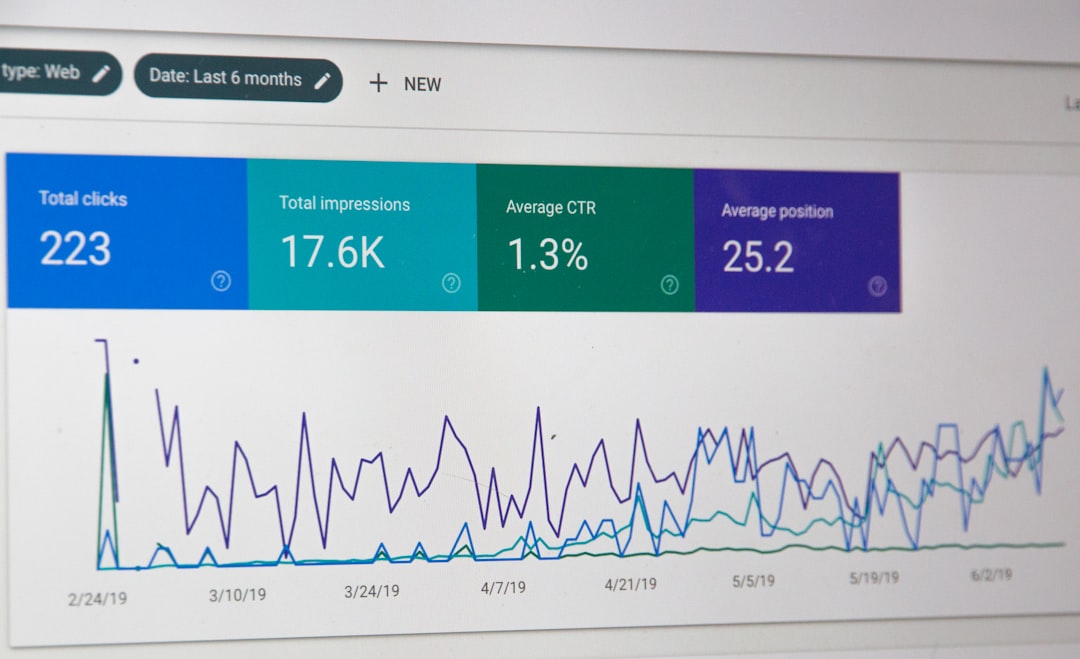
Welcome to the world of blogging as a solo founder! In this post, we will delve into a crucial aspect of enhancing your blog’s performance – utilizing Google Analytics. By harnessing the power of data, you can gain valuable insights into your audience, content performance, and much more. Let’s explore how to set up and interpret key metrics in Google Analytics to optimize your blog effectively.
Understanding Google Analytics Basics
If you’re new to Google Analytics, it’s a free tool provided by Google that helps you track and analyze website traffic. To get started, you need to set up an account and link your website to generate the necessary tracking code.
Setting Up Google Analytics
Once you have your account ready, follow these simple steps to set up Google Analytics for your WordPress blog:
-
Create a Google Analytics account and obtain your tracking ID.
-
Install a Google Analytics plugin on your WordPress site or manually add the tracking code to your website.
-
Verify that Google Analytics is tracking your site correctly by visiting the Real-Time reports section.
Interpreting Key Metrics
Now that your Google Analytics is up and running, let’s dive into some key metrics that can help you understand your blog’s performance:
1. Traffic Sources
Identify where your traffic is coming from – whether it’s organic search, social media, referrals, or direct visits. This insight can guide your marketing strategies.
2. Bounce Rate
Monitor the percentage of visitors who navigate away from your site after viewing only one page. A high bounce rate may indicate issues with your content or website usability.
3. Pageviews and Time on Page
Track the number of views each page receives and how long visitors stay on each page. This data can help you identify your most popular content and optimize low-performing pages.
Putting Insights into Action
With a solid understanding of Google Analytics metrics, you can now make data-driven decisions to improve your blog’s performance. Whether it’s refining your content strategy, optimizing user experience, or targeting specific audience segments, Google Analytics empowers you to take your blog to the next level.
Remember, data is only valuable when you act on it. Leverage the insights from Google Analytics to continuously refine and enhance your blog for your audience.
For more in-depth tips and strategies on marketing your blog effectively as a solo founder, check out SoloMarketing.app. Happy blogging!
Photo by Justin Morgan on Unsplash
Leave a Reply